
Minecraft’s blocky universe is a canvas for creativity, but what if there was a way to sprinkle in some extra magic? Enter mods—the secret sauce that transforms the game from ordinary to extraordinary. Whether it’s summoning dragons, building roller coasters, or turning your character into a potato (because why not?), mods unlock endless possibilities.
Understanding Minecraft Mods
Minecraft mods, short for modifications, enhance gameplay significantly. Various mods introduce new features, mechanics, and items, enriching the player’s experience in countless ways. Players often find themselves able to explore dungeons, craft advanced tools, or even build entirely new worlds.
Leveraging mods, gamers unlock their creativity. Some popular mods include OptiFine for graphics improvements, Biomes O’ Plenty for diverse environments, and Tinkers’ Construct for unique crafting systems. Each mod serves a specific purpose, catering to different player interests.
Installation procedures vary for different mod types. Forge and Fabric are the most common mod loaders. Players typically download the desired mods from reputable sources like CurseForge or Modrinth, ensuring the mods are compatible with their game version.
Compatibility ensures smooth performance. Using mods designed for the same Minecraft version helps avoid crashes and bugs. Players often read reviews and check update logs to confirm compatibility.
Configuration options often exist within the mods. Customization settings allow players to adjust gameplay elements, enabling unique gameplay experiences. Accessing these configurations enhances individual play styles and preferences.
Community involvement contributes greatly to the modding ecosystem. Mod developers frequently gather feedback from players, refining their creations. Many mods receive regular updates, ensuring compatibility with the latest Minecraft versions and adding new features.
Engagement with modding forums and communities can provide valuable resources. Players often exchange advice, share experiences, and host discussions surrounding the use of mods. Exploring these communities helps players find the best mods tailored to their gaming preferences.
Popular Minecraft Mod Types
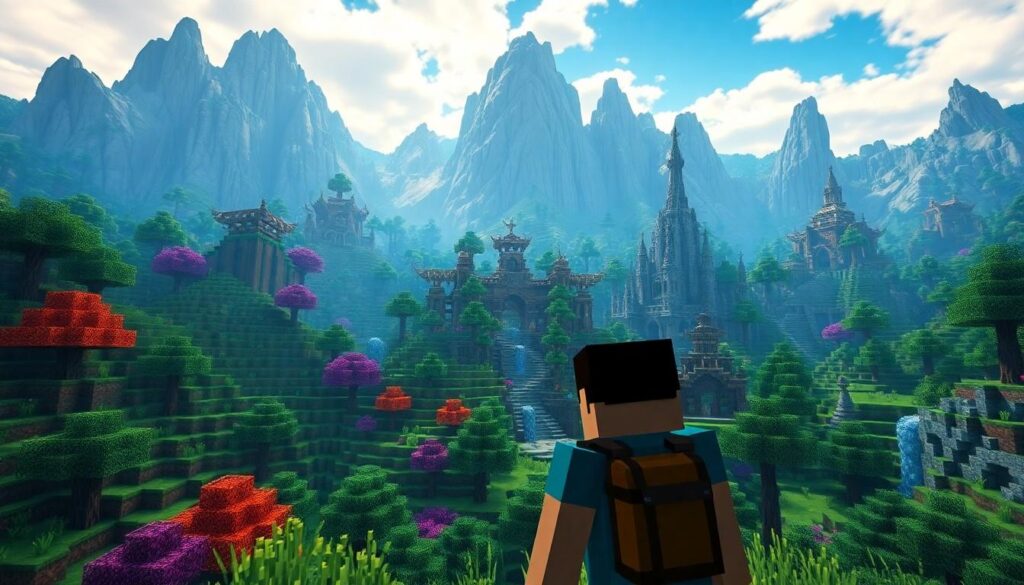
Mods enhance the Minecraft experience by introducing various features that cater to different player needs and preferences. Three popular categories include gameplay modifications, visual enhancements, and utility mods.
Gameplay Modifications
Gameplay modifications transform player interaction with the Minecraft world. One example is the introduction of new mobs or biomes, which creates diverse environments for exploration. Mods like Twilight Forest expand adventures by adding entire dimensions filled with unique challenges. Players enjoy richer gameplay with the addition of quest systems, allowing for structured objectives and rewards. The incorporation of mod packs enables streamlined installation of multiple gameplay enhancements.
Visual Enhancements
Visual enhancements focus on improving the aesthetic aspects of Minecraft. OptiFine serves as a prime example by optimizing graphics and increasing frame rates. Custom shaders bring realistic lighting and shadows, elevating the overall visual experience. Resource packs allow players to change textures and sounds, further personalizing how the game looks and feels. Mods that add 3D models enhance immersion by transforming ordinary blocks into distinct objects.
Utility Mods
Utility mods streamline gameplay and improve functionality. Inventory management mods such as JEI or Just Enough Items help players efficiently organize resources and craft items. Mini-map mods allow players to scout their surroundings, preventing disorientation during exploration. Mods that automate repetitive tasks lessen player workload, making gameplay more enjoyable. Compatibility with other mods ensures enhanced functionality without conflicts.
How to Find Mods
Discovering mods can significantly enhance the Minecraft experience. Players often explore various sources to find high-quality mods that suit their gameplay style.
Modding Communities
Modding communities thrive on platforms like Reddit and Discord. These online spaces offer forums where players can share their favorite mods and exchange ideas. Members frequently discuss compatibility issues and provide tips for installation. Engaging with these communities allows players to access exclusive mods not found elsewhere. Game developers often receive feedback from community members, helping them to refine mods based on player preferences.
Official Websites
Official websites remain reliable sources for finding mods. Websites like CurseForge and Minecraft Forum host a vast selection of mods created by enthusiastic developers. Each listing provides essential information about mod functions and compatibility. Players can read user reviews and download mods directly from these platforms. Checking for updates ensures access to the latest features. Developers often post patch notes and bug fixes on these websites, ensuring an optimized gaming experience.
Installing Mods in Minecraft
Installing mods in Minecraft greatly enhances gameplay. Players gain access to new features and experiences that revitalize the game.
Requirements for Installing Mods
Mods require specific tools and setups for smooth operation. First, the Minecraft Java Edition is necessary because most mods cater to this version. Players need to install the Minecraft Forge or Fabric mod loader as these tools facilitate mod compatibility. Additionally, having a stable internet connection helps with downloading files. Players must also ensure that their game version aligns with the mod version to avoid conflicts. Finally, adequate storage space is essential, as mods can range from small tweaks to extensive content packs.
Step-by-Step Installation Guide
Installing mods involves a straightforward process. First, download the mod file from a reliable site like CurseForge. Next, locate the Minecraft installation folder; this can typically be found under “AppData” or “roaming” in Windows. Players should create a “mods” folder if one doesn’t exist. Once that’s done, place the downloaded mod file into the “mods” folder. After setting everything up, run the Minecraft launcher and select the Forge or Fabric profile. Lastly, clicking “Play” launches the game with the new mods installed, allowing players to explore their enhanced Minecraft world.
Troubleshooting Mod Issues
Mod issues can disrupt the Minecraft experience, but identifying and resolving them typically helps players get back on track. Here are some common problems and their solutions.
Common Problems and Solutions
Incompatible mods can cause crashes. Players should ensure mod versions match Minecraft’s version while checking for necessary dependencies. Installation errors often arise from missing files or incorrect setups. Creating a “mods” folder in the Minecraft directory and placing mod files there typically resolves this issue.
Performance lag may stem from overloaded mods. Reducing the number of active mods or adjusting in-game settings often improves performance. Crashes during gameplay require careful review of the crash report; the report generally specifies problematic mods that need removal or updating.
Finally, connectivity issues can affect multiplayer gaming with mods. Players should confirm that everyone uses the same mods and versions. This consistency is essential for seamless gameplay.
Conclusion
Exploring the world of Minecraft mods opens up a realm of creativity and adventure for players. With countless options available players can customize their experiences and dive into new gameplay mechanics. Engaging with the vibrant modding community enhances this journey providing support and inspiration.
By following the proper installation steps and troubleshooting tips players can seamlessly integrate mods into their game. This not only enriches their gameplay but also keeps the experience fresh and exciting. Whether it’s enhancing visuals or introducing new features mods truly elevate Minecraft to new heights. Embracing these tools allows players to craft their unique worlds and share unforgettable experiences with others.