

If you thought wandering the post-apocalyptic wasteland of Fallout 4 was a vividly immersive adventure, wait until you sprinkle some mods into the mix. Mods can transform your gameplay experience from mundane to magnificent. Whether he’s looking for enhanced graphics, new quests, or some hilarious gameplay tweaks, anyone ready to dive deeper into this totally insane world will find something to love. Grab your Pip-Boy and let’s explore the exhilarating realm of Fallout 4 mods on Xbox One.
Understanding Xbox One Modding Capabilities
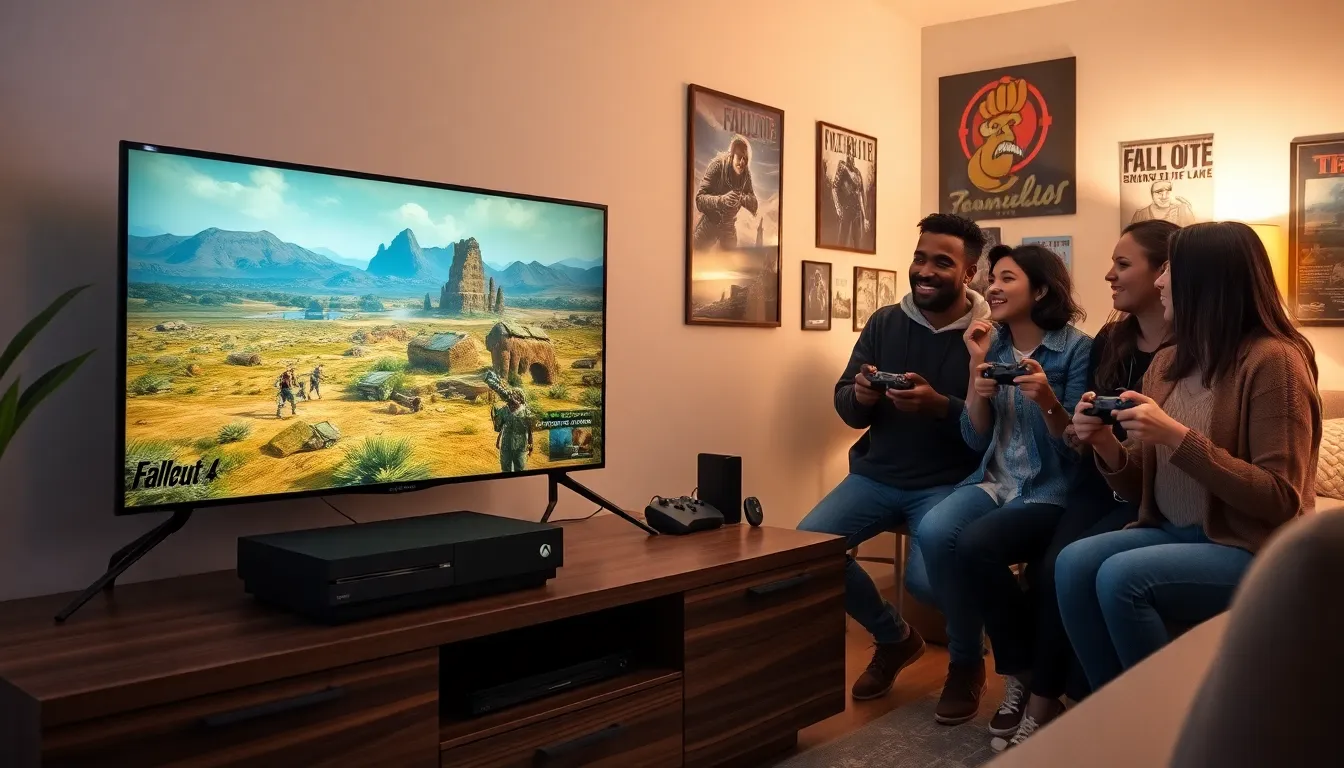
When it comes to modding, Xbox One has made significant strides in giving players the tools to craft a personalized experience in Fallout 4. Unlike PC, where modding is a long-honored tradition, Xbox One opened doors for console gamers in 2016, allowing them to investigate into various downloadable content (DLC) right from their system.
For players interested in modding, it’s important to know that Xbox One allows access to approved mods directly through the Bethesda.net platform. This is a game-changer. Gone are the days when players felt limited to the vanilla game. Instead, they can now enjoy a blend of fan-made content that enhances various aspects of their journey, be it visual upgrades or gameplay alterations.
Also, the console’s user-friendly interface simplifies the process of discovering and installing mods. This means no technical jargon or confusing commands, just straightforward clicks. But, players should be aware not all mods are created equal: some might conflict, creating glitches or crashes. But with a little patience and experimentation, many gamers have had a blast refining their experiences.
Popular Mods to Transform Your Gameplay
Diving into the world of Fallout 4 mods is like opening a treasure chest, so much goodness awaits inside. Several popular mods have garnered rave reviews, transforming gameplay in delightful ways. Here are a few that might just catch one’s fancy:
Unofficial Fallout 4 Patch
This mod is essentially a must-have for anyone serious about playing Fallout 4. It addresses countless bugs and glitches, enhancing the overall stability of the game. Many players swear by it to avoid pesky issues that can detract from the immersive experience.
Armorsmith Extended
For those eager to enhance their combat gear, Armorsmith Extended allows players to customize their equipment extensively. Want to mix and match armor pieces? This mod makes it happen. Fashioning unique aesthetics and battling effectively just became a walk in the park.
Fallout 4: New Vegas
Yes, you read that right. This ambitious mod aims to bring the world of Fallout: New Vegas to the Fallout 4 engine. It’s like a nostalgic trip down memory lane, reimagined with better graphics and mechanics. Players can experience the beloved storylines and characters while reveling in modernized gameplay.
Vivid Fallout – Landscapes
Want to feast your eyes on stunning visuals? This graphics mod enhances the game’s natural landscapes, giving players vibrant textures and dynamic lighting. Walking through the wasteland never looked so good. It’s especially fantastic for those who enjoy taking breathtaking in-game screenshots or simply appreciate beautiful graphics.
Installing Mods on Xbox One: A Step-By-Step Guide
Installing mods on Xbox One is simpler than you might think. Here’s a detailed guide to help players get started:
- Set Up Bethesda.net Account
First things first, players need an account on Bethesda.net. If not, create one, it’s easy and free.
2. Launch Fallout 4
Impatient to get going? Fire up your game. As you start, ensure you’re connected to the internet.
3. Access Mods Menu
From the main menu, scroll down to ‘Mods’. Your account should now be linked to Bethesda.net.
4. Browse Through Available Mods
Take your time exploring. The mods are categorized and can be easily searched. Check ratings and reviews to catch some hype.
5. Select and Download Mod
Once you’ve found the perfect mod, select it, review any instructions, and hit the download button.
6. Load Your Game
After installation, return to the main menu and load your save file.
7. Enjoy Your New Experience.
Get ready to step into a revamped experience. Remember, some mods might require you to start a new game to activate their effects.
Essential Tools and Resources for Modding Fallout 4
While Xbox One offers a straightforward pathway to mods, several tools and resources can drastically improve the experience. Here’s a quick rundown of essentials:
- Bethesda.net: The primary hub for discovering and installing mods. Players can browse countless mods and keep track of updates.
- Community Forums: Websites like Reddit and various Fallout 4 forums host thriving communities where individuals share mod experiences and recommendations. There’s always someone eager to help.
- YouTube Tutorials: If a player feels confused about any step, a quick search on YouTube can yield thousands of tutorials tailored to modding on Xbox One.
Modding Community: Where to Find Support and Updates
Joining the modding community is akin to entering a bustling marketplace of ideas and innovations. There are various platforms where players can seek support and stay updated on the latest mods:
- Nexus Mods: Although primarily for PC, Nexus Mods has a wealth of information that includes guides and links to Xbox-compatible mods. Players often find hidden gems here.
- Discord Servers: Many players form communities via Discord, providing real-time assistance on mod installations or troubleshooting. This is also a great way to share mod recommendations.
- Social Media: Follow popular modders and Fallout 4 groups on platforms like Twitter and Facebook. They frequently post updates and can offer first-hand insights into new mods.
Fostering connections within the community can lead to discovering new mods, sharing tips, or finding solutions to tricky modding problems.