By 2026, both the Xbox One and Xbox One S are legacy consoles, but they’re still kicking around in plenty of living rooms, and for good reason. Whether you’re hunting for a budget gaming rig, a secondary console for the bedroom, or just trying to decide if an upgrade from the original Xbox One is worth it, the differences between these two matter more than you’d think.
The Xbox One S launched in August 2016 as Microsoft’s mid-generation refresh, bringing 4K video playback, HDR support, and a slimmer design to the table. The original Xbox One dropped in November 2013, packing more bulk and fewer features but still delivering solid 1080p gaming. Three years separated them, and those years brought some meaningful upgrades, but not always where you’d expect.
This isn’t about picking the “best” console in a vacuum. It’s about understanding what each one brings to your setup in 2026, when newer hardware dominates the market but these older boxes still deliver value. Let’s break down the specs, features, and real-world differences so you can make the call that fits your gaming needs.
Table of Contents
ToggleKey Takeaways
- The Xbox One S vs Xbox One shows minimal gaming performance differences, but the S supports 4K video playback and HDR gaming features the original lacks.
- The Xbox One S features a 40% smaller form factor with integrated power supply, making it a cleaner and more space-efficient choice than the bulkier original model.
- In the 2026 used market, the Xbox One S costs only $20–$40 more than the original while offering 4K Blu-ray playback, making it the better value for most buyers.
- The Xbox One S introduced Bluetooth-enabled controllers with improved grip textures, providing better compatibility with PCs and other devices compared to the original’s proprietary wireless.
- Both consoles support external USB storage expansion, essential for modern games exceeding 100 GB, though the One S has slightly better thermal management for sustained use.
- For 4K entertainment enthusiasts or HDR gaming on compatible TVs, the Xbox One S is the clear winner; the original Xbox One maxes out at 1080p.
Design and Build Quality Comparison
Size and Form Factor Differences
The original Xbox One is a chunky beast. At 13.1 x 10.8 x 3.1 inches and weighing roughly 7.8 pounds, it’s one of the bulkiest consoles of its generation. The power brick is external, adding even more cable clutter to your entertainment center. If you’re tight on space, this thing’s gonna dominate whatever shelf you put it on.
The Xbox One S slimmed down dramatically. Microsoft shaved off 40% of the volume, bringing dimensions to 11.6 x 8.9 x 2.5 inches and dropping the weight to about 6.4 pounds. They also integrated the power supply, ditching the external brick entirely. It’s a genuine quality-of-life improvement, less cable spaghetti, easier to fit in tight spaces, and just cleaner overall.
Both consoles can stand vertically, but the One S does it better with an optional vertical stand (sold separately). The original One technically supports it, but it’s awkward and not officially recommended by Microsoft.
Aesthetic and Port Layout Changes
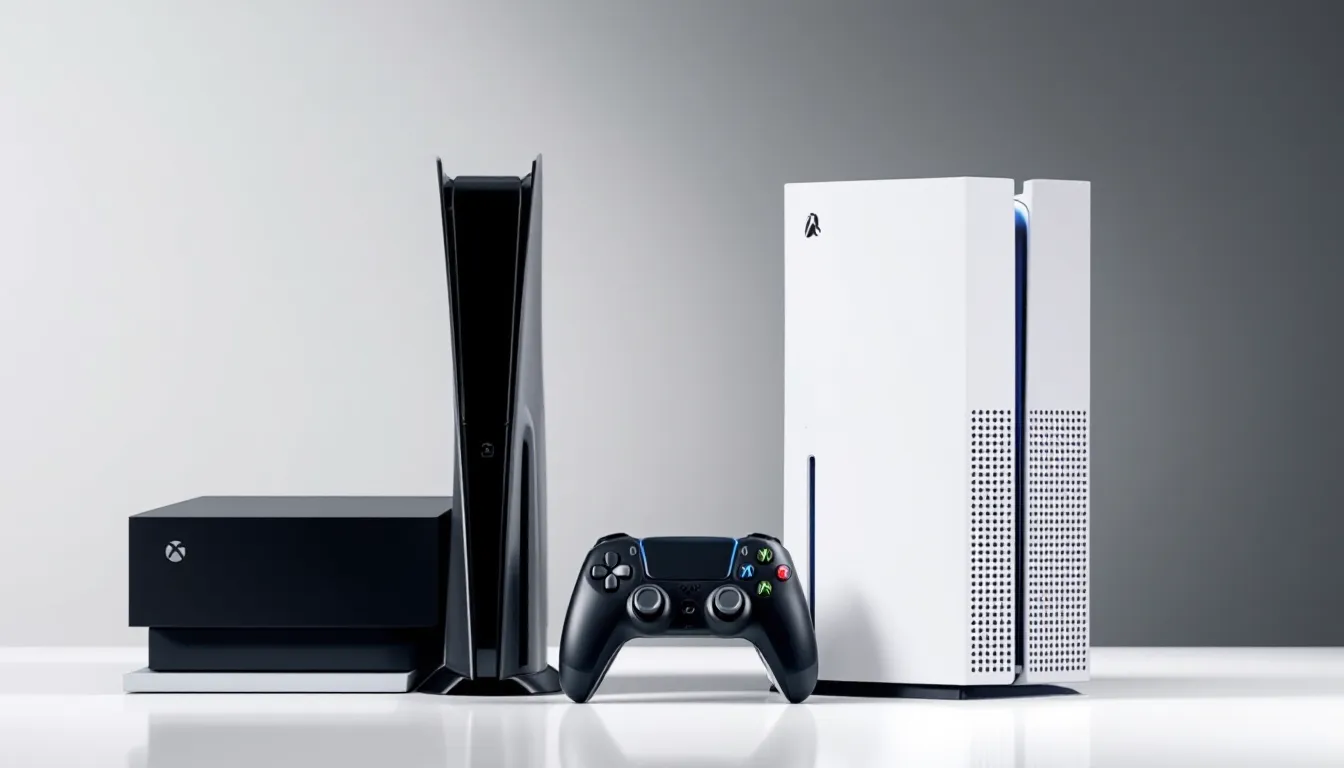
The design language shifted from industrial to sleek between these generations. The original Xbox One rocks a two-tone black finish with a glossy top panel that’s a fingerprint magnet. The air vents run along the sides, and the whole thing screams “2013 multimedia box.”
The One S went all-in on minimalism. It’s available in white (primarily) with matte finishes, cleaner lines, and a textured dot pattern across the top for ventilation. The aesthetic feels less like a DVR and more like a proper gaming console. Special editions also became more common with the S, limited colorways and game-themed variants like the Xbox One Halo edition offered collectors some variety.
Port-wise, both consoles share the basics: HDMI out, HDMI in (for cable passthrough), USB 3.0 ports, Ethernet, and optical audio. The Xbox One S dropped the Kinect port entirely, which was still present on the original model. If you’re one of the twelve people still using a Kinect in 2026, you’ll need a USB adapter for the S. The One S also upgraded to an IR blaster integrated into the front of the console, improving remote control functionality for TV setups.
Performance and Hardware Specs
GPU and Processing Power
Here’s where things get interesting. Both consoles run on an 8-core AMD Jaguar CPU clocked at 1.75 GHz. The CPU didn’t change between models, so raw processing power is identical.
The GPU tells a slightly different story. The original Xbox One packs a custom AMD Radeon GPU with 12 compute units running at 853 MHz, delivering 1.31 teraflops of graphical power. The Xbox One S bumps the GPU clock speed to 914 MHz, pushing output to roughly 1.4 teraflops. That’s about a 7% increase, not nothing, but don’t expect night-and-day differences.
Both systems output games at 1080p (or 900p for more demanding titles). Native 4K gaming isn’t happening on either console. The GPU bump on the S helps with frame stability in edge cases, but you won’t notice a meaningful performance gap in most titles.
Loading Times and Game Performance
In practice, game performance between the Xbox One and One S is nearly identical. Load times, frame rates, and graphical fidelity land in the same ballpark. Digital Foundry testing back in 2016 showed minimal differences, maybe a frame or two here and there, imperceptible during actual gameplay.
The One S does handle HDR rendering when supported by games, which adds a layer of visual depth the original can’t touch (more on that in the next section). But if you’re playing Halo 5, Forza Horizon 3, or Gears of War 4 on a standard 1080p display, you’re getting the same experience on both consoles.
If you’re concerned about internal hardware longevity, the One S benefits from a slightly more refined build and better thermal management thanks to its slimmer design. Overheating issues are rare on both, but the One S runs a bit cooler under sustained loads. For anyone curious about the Xbox One S disassembly, the internals reveal a more compact and efficient layout compared to the original’s bulkier architecture.
4K and HDR Capabilities
4K Video Playback and Streaming
This is one of the biggest separators. The Xbox One S supports 4K Ultra HD video playback for both streaming apps (Netflix, Amazon Prime Video, Disney+) and 4K Blu-ray discs. The original Xbox One maxes out at 1080p video.
If you’ve invested in a 4K TV and want to use your console as a media hub, the One S is the only option here. It’s one of the cheapest 4K Blu-ray players you can buy, which was a huge selling point when it launched. Even in 2026, if you’re still collecting physical 4K media, the S holds value.
For streaming, platforms like Netflix and YouTube deliver 4K HDR content to the One S without issue, assuming your internet can handle the bandwidth. The original Xbox One won’t even attempt 4K streams, it caps resolution server-side. According to coverage from Windows Central, the One S became a go-to budget option for 4K media playback well into the Xbox Series X/S era.
HDR Gaming Support
The Xbox One S introduced HDR10 support for gaming, a feature the original Xbox One lacks entirely. HDR (High Dynamic Range) expands color range and contrast, making bright highlights pop and dark shadows retain detail. When paired with an HDR-capable TV, supported games like Forza Horizon 3, Gears of War 4, and Battlefield 1 look noticeably richer on the One S.
That said, HDR gaming on the One S is still 1080p HDR, not 4K HDR. You’re getting enhanced color and contrast, not higher resolution. It’s a visual upgrade, but temper expectations, this isn’t the Xbox One X’s native 4K HDR experience.
Not every game supports HDR, and you need an HDR10-compatible display to see any difference. If you’re gaming on an older 1080p TV, this feature does absolutely nothing for you.
Storage Options and Expandability
The original Xbox One launched with 500 GB and 1 TB SKUs. The Xbox One S also came in 500 GB, 1 TB, and 2 TB variants, though the 500 GB models were phased out relatively quickly.
By 2026 standards, 500 GB is laughable. Modern games like Halo Infinite, Forza Motorsport, and Call of Duty routinely exceed 100 GB. If you’re stuck with a 500 GB model of either console, you’re looking at maybe four or five AAA titles before you’re juggling installs.
Both consoles support external storage via USB 3.0, and that’s the smartest move for either system. You can grab a hard drive for Xbox One use, anything from 2 TB to 8 TB works seamlessly. Games load slightly faster from external SSDs compared to the internal 5400 RPM drives in both consoles, though the improvement is modest (we’re talking seconds, not minutes).
Internal storage is technically replaceable on both systems, but it requires disassembly and isn’t officially supported by Microsoft. Warranty-voiding aside, external expansion is easier and cheaper.
One minor quality-of-life edge for the One S: if you don’t use physical discs, you can opt for the Xbox One S All-Digital Edition (launched in 2019), which ditches the optical drive entirely and typically came at a lower price point. The original Xbox One doesn’t have a disc-less variant.
Controller Differences and Bluetooth Support
Controller design changed subtly between these generations. The original Xbox One shipped with the first-gen Xbox One controller, solid build, impulse triggers, but it used a proprietary wireless protocol. No Bluetooth. If you wanted to use it on PC, you needed Microsoft’s wireless adapter dongle.
The Xbox One S introduced the revised Xbox One S controller with built-in Bluetooth support. This makes wireless pairing with Windows 10/11 PCs, tablets, and even smartphones dead simple. The textured grips also improved slightly, and the controller came in a wider range of colors to match console bundles.
Functionally, both controllers work with both consoles. The improvements are nice-to-haves, not dealbreakers. If you already own original Xbox One controllers, they’ll work fine on the One S. Conversely, One S controllers work on the original Xbox One.
It’s worth noting that Xbox 360 controllers don’t work on either console without third-party adapters, so if you were hoping to recycle old hardware, you’re out of luck.
For anyone building out a multiplayer setup, the Bluetooth upgrade matters if you plan to use controllers across multiple devices. If you’re strictly console gaming, it’s a minor perk at best.
Price and Value Comparison
In 2026, both consoles are firmly in the used/refurbished market. New stock dried up years ago, replaced by the Xbox Series S and Series X.
Used Xbox One consoles typically run between $80 and $120 depending on condition and included accessories. The Xbox One S sits slightly higher, usually $100 to $150. Refurbished units from retailers or Microsoft’s certified program can push closer to $180 for the One S with a warranty.
The $20 to $40 price gap makes the One S the better value in almost every scenario. You’re getting 4K video playback, HDR gaming, a slimmer design, and a newer controller for a marginal cost increase. The original Xbox One only makes sense if you find a killer deal, say, $60 with a pile of games and extra controllers.
GameStop, eBay, Facebook Marketplace, and local classifieds are your best bets for either console. Prices fluctuate based on region and demand, but neither system commands premium pricing anymore. According to buying guides on Tom’s Guide, the used console market heavily favors the One S due to its broader feature set and better resale value.
If you’re factoring in accessories, budget for a gaming headset for Xbox One use (budget options start around $30, quality picks land between $60 and $100) and possibly external storage. Those costs apply to either console, so they don’t shift the value equation much.
Which Console Is Right for Your Gaming Needs?
Best for Budget-Conscious Gamers
If your budget is absolutely rock-bottom and you just need something to play Xbox Game Pass titles, backward-compatible Xbox 360 games, or a handful of current-gen releases, the original Xbox One gets the job done. It plays the same games, runs the same apps, and connects to Xbox Live without issue.
But here’s the thing: the savings are minimal. We’re talking maybe $30 to $40 compared to a used One S. For that small gap, you’re sacrificing 4K video, HDR gaming, a cleaner design, and better controller options. Unless you’re finding an original Xbox One bundled with games and accessories for under $80, it’s tough to justify over the S.
The smarter budget play? Save an extra $20 and grab the One S. You’ll get more life out of the purchase, better resale value if you decide to upgrade later, and features that remain relevant even as the console ages.
Best for 4K Entertainment Enthusiasts
If you own a 4K TV and use your console as a media hub, streaming Netflix, watching 4K Blu-rays, or running Plex, the Xbox One S is the clear winner. The original Xbox One can’t touch 4K content, making it a non-starter for anyone invested in higher-resolution media.
The S also doubles as one of the cheapest 4K Blu-ray players available on the used market, undercutting standalone players that still retail for $150+. Even in 2026, that’s solid value.
For gaming specifically, the One S edges ahead if you have an HDR-capable display. The visual boost in supported titles isn’t revolutionary, but it’s noticeable enough to appreciate in visually rich games like Forza or Assassin’s Creed Origins.
If you’re primarily a gamer and don’t care about 4K media, the console choice matters less, but the One S still wins on build quality and longevity. Looking ahead to potential upgrades, checking out comparisons like the Xbox Series S vs the One S can help contextualize where these older consoles sit in the broader Xbox ecosystem.
Conclusion
The Xbox One S is the better buy in 2026, full stop. It’s slimmer, supports 4K video and HDR gaming, ships with an improved controller, and costs only marginally more on the used market. The original Xbox One served its purpose, but outside of finding a deeply discounted bundle, there’s little reason to pick it over the S.
That said, both consoles are legacy hardware at this point. If you’re serious about gaming and can stretch the budget, the Xbox Series S offers dramatically better performance, faster load times via its SSD, and full access to current-gen titles for around $250–$300 new (or less used). For context, resources like Pure Xbox regularly cover deals and updates on the Series lineup.
But if you’re committed to staying in the Xbox One generation, whether for budget reasons, a massive backlog of games, or just squeezing more life out of older hardware, go with the One S. You’ll get the best version of the Xbox One experience without very costly.