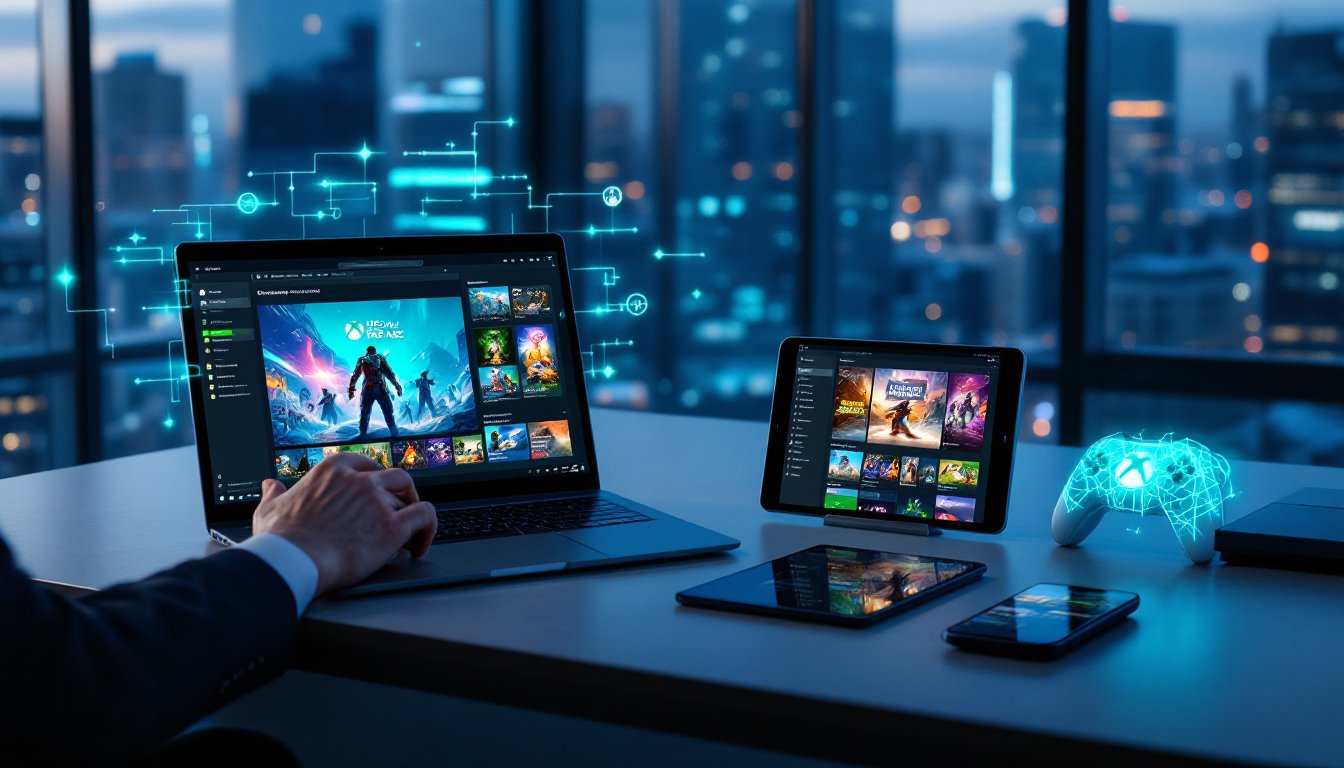
Xbox Cloud Gaming has fundamentally changed how we think about accessing games. Instead of waiting for massive downloads or dropping hundreds on console hardware, you can now stream a massive library directly to your device, phone, tablet, PC, or even smart TV. Microsoft’s cloud gaming service, bundled with Xbox Game Pass Ultimate, lets you jump into thousands of titles instantly, whether you’re at home or on the go. But before you immerse, there’s important stuff to know about how it works, what devices support it, and whether it’s the right fit for your gaming setup.
Table of Contents
ToggleKey Takeaways
- Xbox Cloud Gaming lets you stream hundreds of games instantly to any device—phone, tablet, PC, or smart TV—without installing downloads or buying console hardware.
- A minimum 4.75 Mbps download speed and latency under 125 milliseconds are required for optimal Xbox Cloud Gaming performance, with a wired ethernet connection recommended for competitive titles.
- Cloud gaming access is bundled at no extra cost with Xbox Game Pass Ultimate, giving you instant access to a rotating library of cloud-enabled titles plus the ability to stream your own owned digital games.
- Story-driven single-player games and turn-based strategy titles perform best on cloud, while fast-paced competitive shooters may feel slightly less responsive depending on your connection quality.
- Xbox Cloud Gaming trades some visual fidelity and input responsiveness for the convenience of device-switching, instant access, and no storage management—making it ideal for casual players and game exploration.
What Is Xbox Cloud Gaming and How Does It Work?
Xbox Cloud Gaming (formerly Project xCloud) is Microsoft’s cloud-based streaming service that runs games on remote Xbox-based hardware housed in Microsoft data centers. You’re not installing anything locally. Instead, the game runs on a server somewhere, and the video and audio stream to your device over the internet. Your controller inputs are sent back to the server in real-time, creating an interactive experience without the physical hardware taking up space under your TV.
The beauty of this approach is simplicity. Games are tied to your Xbox or Microsoft account, so your saves sync automatically across devices. Start playing Halo on your PC, pick it up on your phone during your lunch break, then continue on your console when you get home, your progress follows you everywhere. No re-downloading, no reinstalling, no juggling multiple versions of the same game.
Access happens through the Xbox app on Windows PCs, the Xbox Game Pass app on Android devices, or through supported browsers like Edge, Chrome, and Safari. Some smart TVs also support the service via dedicated apps, making cloud gaming accessible from almost any screen you own.
System Requirements and Compatibility
Cloud gaming isn’t as demanding as traditional gaming, but you’ll still need the right setup to enjoy it properly. On the network side, Microsoft recommends a minimum download speed of around 4.75 Mbps, though 9 Mbps or higher gives you a noticeably better experience. Latency matters just as much as speed, anything under 125 milliseconds is acceptable, but if you can get below 60 ms, you’re in ideal territory for fast-paced games like shooters.
A stable 5 GHz Wi-Fi connection works, but a wired ethernet connection is genuinely better for consistency, especially if you’re playing competitive titles where input lag matters. Wi-Fi interference and distance from your router can tank performance fast.
For devices, you’ve got solid options. Any Xbox Series X
|
S or Xbox One console can stream cloud games. Windows PCs work via the Xbox app or browser. Android phones and tablets use the Xbox Game Pass app. iOS and iPadOS users can access it through browsers at xbox.com/play. Select smart TVs and streaming devices on Microsoft’s verified devices list work too. As for controllers, your Bluetooth or USB Xbox Wireless Controller is the standard, though some third-party controllers and even touch controls for certain games are supported.
Xbox Game Pass Ultimate: Your Gateway to Cloud Gaming
Here’s the key thing: cloud gaming access doesn’t cost extra. It’s bundled directly into Xbox Game Pass Ultimate at no additional charge. That subscription gives you streaming access to hundreds of cloud-enabled Game Pass titles, plus EA Play games and Xbox Live Gold benefits. It’s essentially the entire cloud library rolled into one subscription.
But there’s more flexibility than that. Game Pass Ultimate lets you stream certain games you own digitally that aren’t part of the subscription, games like Baldur’s Gate 3 or Cyberpunk 2077, as long as they’re on Microsoft’s supported list. This “stream your own game” feature means you’re not locked into just what Microsoft’s catalog offers.
Fortnite is another great example. Even though it’s free-to-play, you can stream it directly through cloud gaming with just your Microsoft account. The service is constantly rotating titles, so checking the cloud-enabled section of Game Pass regularly keeps you updated on what’s available.
Best Games to Play on Xbox Cloud Gaming
The cloud library rotates regularly, but some heavy-hitters consistently deliver solid cloud experiences. AAA franchises like the Halo series, Forza Horizon, and Gears are cloud staples. Minecraft Dungeons and Sea of Thieves run beautifully on the service, and story-driven experiences like Starfield work great for cloud play since latency matters less in single-player campaigns.
Third-party titles appear frequently too. Major action games, RPGs, sports titles, and indies cycle through the catalog. Checking Windows Central regularly keeps you updated on new Game Pass additions and which games work best on cloud.
Fast-paced competitive games, like shooters with tight TTK values, can feel different on cloud due to input latency. That said, plenty of players nail high-skill plays on cloud. The experience depends heavily on your connection quality. Story-driven single-player games and turn-based strategy tend to shine since they’re more forgiving of minor lag spikes.
Having trouble with your current Xbox setup? Xbox One Games Not covers common issues you might encounter across your gaming library.
Performance, Internet Speed, and Latency Considerations
Your experience hinges on three things: bandwidth, latency, and network stability. Hit that 9 Mbps sweet spot and you’re looking at solid image quality. Go higher, 25 Mbps or more, and things stay smooth even with background activity. The problem appears when you dip below 5 Mbps or your latency creeps above 150 ms.
Packet loss and jitter destroy cloud gaming faster than almost anything else. A stable connection that occasionally spikes to 100 Mbps is worse than a consistent 10 Mbps connection. Location matters too. Living closer to Microsoft’s nearest data center means lower latency. Players in rural areas sometimes struggle more than those in urban hubs where server infrastructure is dense.
Wi-Fi interference is a silent killer. Microwaves, cordless phones, and neighboring networks all degrade performance. If you’re on a weak 2.4 GHz band, switch to 5 GHz or run ethernet. Mobile gaming adds another layer of complexity, LTE can work if latency stays reasonable, but 4G and weaker connections are hit-or-miss. Kotaku regularly publishes tests showing how cloud gaming performs across different conditions and regions.
Need more storage elsewhere? Hard Drive for Xbox explains expansion options that complement your cloud setup.
Pros and Cons of Cloud Gaming vs. Traditional Console Play
The Advantages:
Instant access is the killer feature. No waiting for 100 GB downloads or managing storage space. Play hundreds of games immediately. Switching between devices feels seamless, your progress follows you everywhere thanks to cloud saves. You’re not tied to specific hardware: a cheap phone or tablet suddenly becomes a gaming device. For casual players or people who jump between games frequently, this is revolutionary.
The Tradeoffs:
Cloud gaming demands stable, relatively fast internet. No internet, no gaming, period. Traditional consoles work offline. Visual fidelity and input responsiveness are still generally superior on native hardware. You’re also dependent on Microsoft’s servers staying online and available. Cloud gaming supports one player per account at a time, so local split-screen experiences don’t work through streaming. Fast-paced competitive games sometimes feel slightly sluggish compared to native play, especially for pro-level players where microseconds matter.
Pure Xbox provides detailed breakdowns on how specific games perform on cloud versus native platforms, which helps you decide which approach works best for different titles.
Cloud gaming isn’t meant to replace traditional consoles, it’s another way to play that trades some responsiveness for convenience. For most gamers, that’s a great deal.
Conclusion
Xbox Cloud Gaming represents a genuine shift in how games reach players. With the right internet connection and a compatible device, you unlock hundreds of titles instantly through Xbox Game Pass Ultimate. It’s not perfect for every game or every player, but for casual gaming, trying new titles, and playing across multiple devices, it’s hard to beat. Check your internet speeds, grab a Game Pass Ultimate subscription if you don’t have one, and start exploring what’s available in the cloud library.