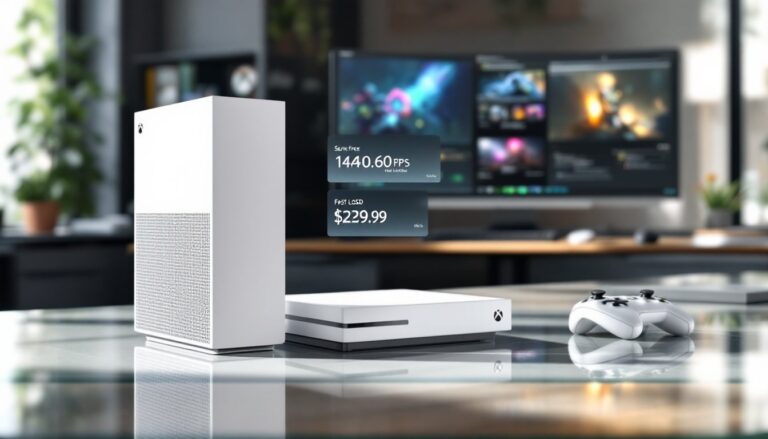
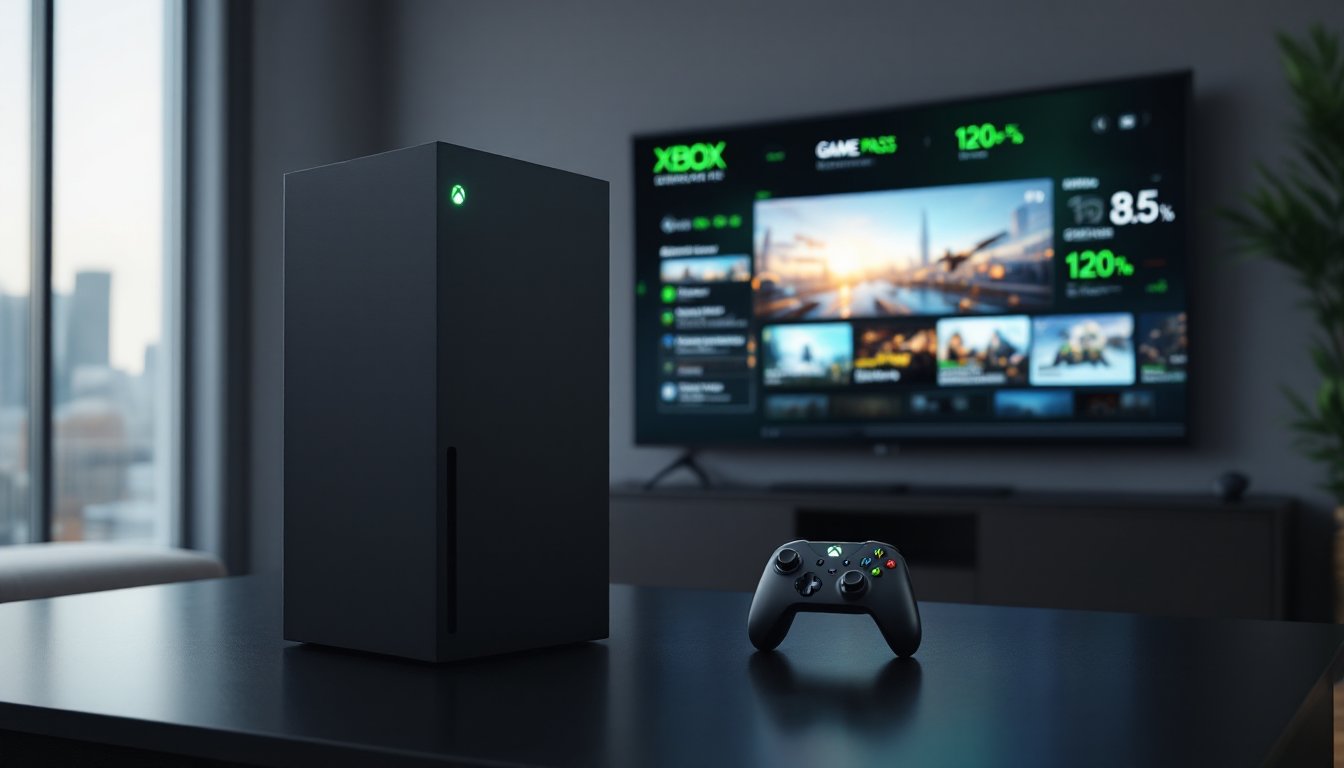
Six years after launch, the Xbox Series X is still Microsoft’s flagship console, and in 2026, it’s arguably in the best shape of its life. Game Pass is stacked, Activision Blizzard titles are baked in, and the hardware finally has a library that justifies its 12-teraflop GPU. But with the Series S undercutting it, the PS5 Pro flexing on the high end, and cloud gaming reshaping how people actually play, is the Xbox Series X console still the right pick? Here’s the honest breakdown.
Table of Contents
ToggleKey Takeaways
- The Xbox Series X console remains Microsoft’s flagship in 2026 with native 4K, 60fps performance and the fastest load times in its generation, making it ideal for players with 4K TVs and high-end displays.
- Game Pass at $19.99/month is the strongest reason to choose Xbox Series X, offering 400+ titles, day-one Activision games, and EA Play—unbeatable value if you play more than three new releases annually.
- Quick Resume, Auto HDR, and FPS Boost make the Xbox Series X ecosystem the most frictionless on the market, seamlessly enhancing both modern and backwards-compatible titles.
- Storage is the main limitation: the 1TB drive provides only 802GB usable space, requiring a Seagate or WD_BLACK expansion card for modern AAA titles like Call of Duty.
- When comparing the Xbox Series X against the Series S ($299) and PS5 Pro ($699), the Series X strikes the best balance of price, 4K performance, and content library for most players.
- Enable Auto HDR, VRR, and wired Ethernet out of the box, and calibrate your HDR settings in 90 seconds to unlock the Xbox Series X’s full visual and performance potential.
What Makes the Xbox Series X Stand Out in 2026
The Series X’s pitch hasn’t changed much since 2020, native 4K, 60fps as a baseline, and the fastest console boot times Microsoft has ever shipped. What’s changed is the software around it.
Quick Resume still feels like magic when you’re juggling four games at once. Auto HDR and FPS Boost continue to retrofit older titles, including a chunk of the backwards-compatible Xbox 360 library. And with Activision Blizzard now under the Microsoft umbrella, Call of Duty, Diablo IV, and Overwatch 2 all sit inside Game Pass on day one.
It’s the most frictionless console ecosystem right now. That’s the real selling point in 2026.
Key Specs and Performance Breakdown
On paper, the Series X still punches hard. The custom AMD Zen 2 CPU runs at 3.8GHz, paired with an RDNA 2 GPU pushing 12 TFLOPs across 52 compute units. Memory sits at 16GB GDDR6, with 10GB allocated as high-bandwidth for the GPU.
The Xbox Series S trades raw power for a $299 price tag, but the Series X is the only Xbox built for true 4K. Coverage from console hardware deep-dives has confirmed that the SSD’s 2.4GB/s raw throughput (4.8GB/s compressed) hasn’t been meaningfully beaten in this generation.
Graphics, Frame Rates, and Load Times
- Native 4K at 60fps in titles like Forza Motorsport, Gears 5, and Halo Infinite
- 120fps modes supported in Call of Duty: Black Ops 6, Ori and the Will of the Wisps, and Fortnite (Performance Mode)
- Ray tracing on heavy hitters like Cyberpunk 2077 and Indiana Jones and the Great Circle
- Load times average 6–9 seconds for AAA titles, versus 30+ seconds on Xbox One X
Variable Refresh Rate and Auto Low Latency Mode also kick in automatically on compatible HDMI 2.1 displays. No menu-diving required.
Top Games and Game Pass Value
Game Pass Ultimate is still the best deal in gaming, full stop. At $19.99/month, it bundles 400+ titles, EA Play, day-one first-party releases, and xbox cloud gaming across phones, tablets, and browsers.
Standout 2026 titles worth booting up:
- Fable (Playground Games reboot)
- Avowed and South of Midnight from Obsidian and Compulsion
- Call of Duty: Black Ops 7 (day one on Game Pass)
- Starfield: Shattered Space expansion
- Hellblade II with its full DLC arc
Reviews from Digital Trends’ console coverage consistently flag Game Pass as the single biggest reason to pick Xbox over PlayStation in 2026. If a gamer plays more than three new releases a year, the math is hard to argue with.
Design, Storage, and Must-Have Accessories
The Series X’s matte-black monolith design is polarizing, some love the minimalism, others miss the personality of something like the Halo-themed Xbox One. It runs cool and whisper-quiet, though, which matters more than aesthetics after hour three of a raid.
Storage is the weak spot. The internal 1TB NVMe drive leaves roughly 802GB usable, and modern installs (Call of Duty alone can hit 230GB) eat that fast. Options:
- Seagate Storage Expansion Card (1TB / 2TB), plug-and-play, full Series X performance
- WD_BLACK C50 expansion card, similar speeds, often cheaper on sale
- External USB 3.2 drives, fine for Xbox One titles, not for Series X games
For accessories, the Xbox Elite Series 2 controller remains the gold standard, while the Stereo Headset punches above its $60 price. And if the standard controller ever feels off, the Xbox 360 controller compatibility question still pops up, the short answer is no, not natively on Series X.
Xbox Series X vs. Series S and PS5: Which Should You Buy
Here’s the quick decision tree:
| Console | Price (2026) | Best For |
|---|---|---|
| Xbox Series X | $499 | 4K TVs, Game Pass loyalists, full physical library |
| Xbox Series S | $299 | 1080p/1440p displays, digital-only, budget builds |
| PS5 Slim | $499 | PlayStation exclusives, DualSense haptics |
| PS5 Pro | $699 | Enthusiast 4K/120 with PSSR upscaling |
The budget-focused Series S makes sense for a secondary console or younger players, but its 10GB RAM ceiling has caused real problems, Baldur’s Gate 3‘s split-screen co-op delay being the famous example. Comparison testing from Tom’s Guide’s console reviews also notes the Series X holds frame rates more consistently than the base PS5 in cross-platform titles, though PS5 Pro pulls ahead with its dedicated upscaler.
For most people, the Series X hits the sweet spot of price, performance, and library.
Setup Tips and Pro Settings for the Best Experience
Out of the box, the Series X isn’t fully optimized. A few tweaks make a real difference:
- Video output: Settings → General → TV & display → set to 4K UHD, 120Hz if the display supports HDMI 2.1
- Enable Auto HDR and VRR under Video modes
- Calibrate HDR using the built-in tool, takes 90 seconds, saves a lot of squinting
- Energy mode: Switch to Sleep for faster boots and Quick Resume: Shutdown if power draw matters
- Network: Wired Ethernet beats Wi-Fi every time for multiplayer: if Wi-Fi is the only option, 5GHz is mandatory
For older hardware troubleshooting, say, an Xbox One that won’t power on, the Series X borrows similar diagnostics: hold the power button 10 seconds for a hard reset, then check the PSU LED.
Also worth turning on: Remote Play through the Xbox app, which pairs nicely with xbox cloud gaming for travel days when the console stays home.